You land on an ice planet with one robot. You snap visual blocks together into a routine, run it, and watch the robot gather wood, light fires, craft parts and build more robots. When the routine stalls because the fuel ran out or a resource moved, you open it up and fix the order.
Why it may be useful
Writing instructions, watching them fail visibly, and changing one block is the whole loop, and later chapters introduce functions and variables exactly when routines get unmanageable, the order a programmer actually meets them. The blocks still hide the errors text code would report.
Keep in mind
It is still in early access, so chapters, balance and the block set change between updates, and a save can behave differently after a patch.
Written 2026-09-15 · editorial assessment, not a measured effect · how we rate →
What the game is
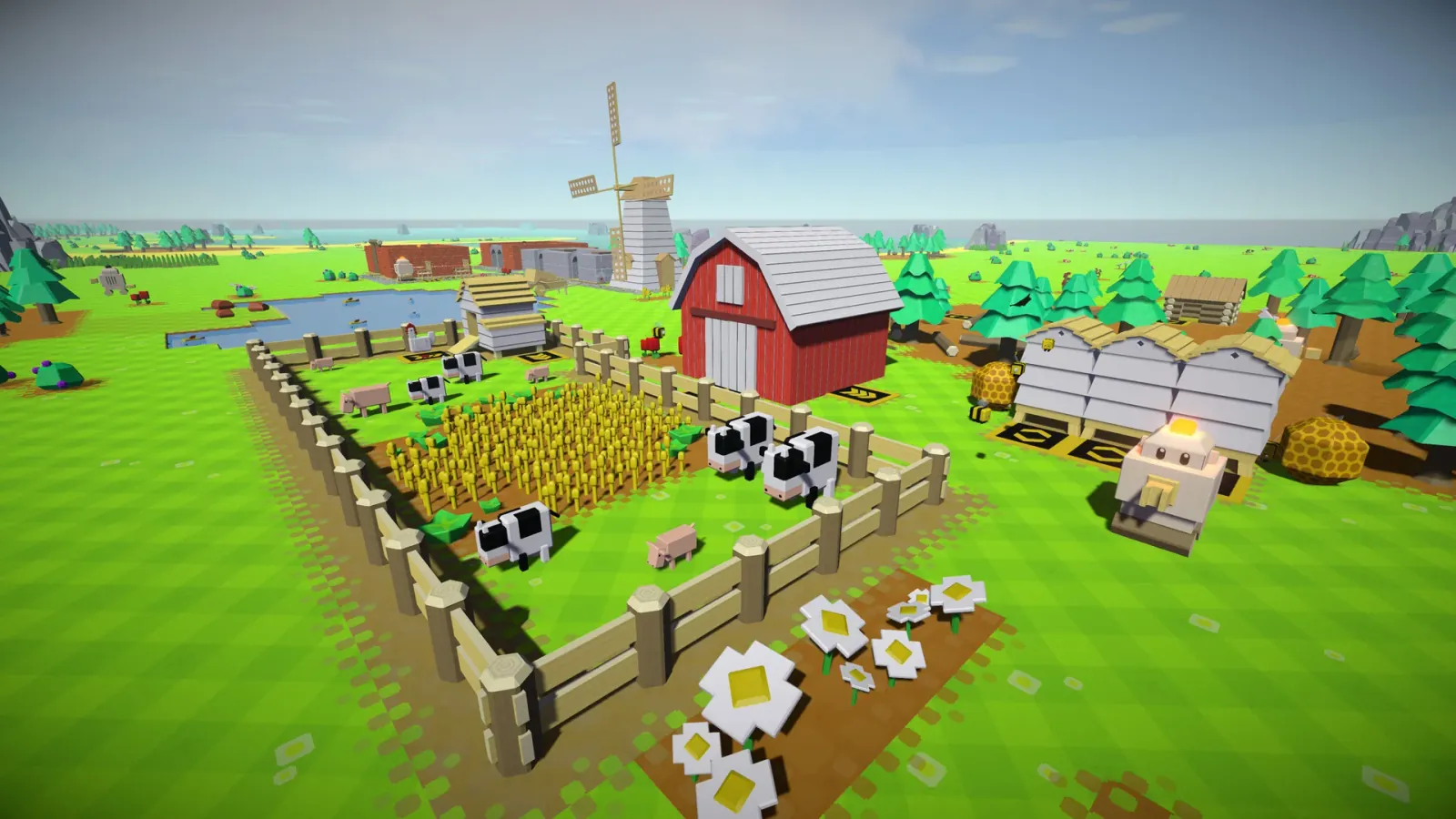
Craftomation 101 is a visual-programming and automation game by Luden.io, released into early access in February 2024 for Windows, macOS and Linux. Your rocket lands on a frozen planet with a single small robot, a CraftoMate, and the goal is to warm the place up until plants grow.
The view is a soft, hand-drawn top-down map of ice, rock and bare earth. You click a robot, open its program, and drag blocks into a list: go to a thing, pick it up, put it down, light a fire, repeat. Then you press play and watch. Sessions can be short, because a single routine is a self-contained puzzle, but the map keeps expanding and a colony of robots keeps needing fuel. The game is still in development and the studio ships updates regularly, so the block set and the chapter list are not final.
What you actually do
You build programs and watch them run in the world. A first routine might be four blocks long: walk to a tree, take wood, carry it to the fire, drop it. It works until the robot runs out of energy, so you add a step that makes it eat. It works until the nearest tree is gone, so you add a search. Every failure is visible on screen, which makes the fix concrete rather than abstract. Later chapters give you named functions you can call from several robots, variables to remember a count, and arrays to hold a list of targets, and by then your colony is large enough that you actually want them.
What it exercises
Puts instructions in an order and predicts what will happen before running them
Finds the failing step by watching where the robot stops
Wraps a repeated sequence into a named function and reuses it
Uses a variable to hold a count the program needs later
Plans a supply chain so that robots can keep themselves fueled
Why we rate it Moderate Worksheet score 68 / 100
FitHow much real knowledge or skill does the play itself make you use?72weight 45%
Scored 72. There is no way to advance except by writing and repairing programs: the robots do nothing on their own, so every bit of progress is a program that ran correctly, and every setback is one that did not. That is real programming reasoning, sequencing, debugging, functions, variables, though it runs inside a simplified visual-block world rather than an actual coding environment.
TransferWill what you practise here work outside the game?65weight 30%
Scored 65. Sequencing, debugging and the reason functions and variables exist all carry into real programming, and the game introduces them in roughly the order a working programmer meets them. What does not carry over is syntax: a player who spends fifty hours here still has to learn to type actual code, since the blocks hide errors a text language would report plainly.
PracticeDoes the game make you use that skill again and again, as it gets harder?65weight 25%
Scored 65. Each new resource and each new robot is another routine to write, so the same write-run-fix cycle repeats for the length of the game rather than appearing once in a tutorial and vanishing. It stays in the middle because the game is still in early access, so the later chapters that would deepen this practice are not all built yet.
What the evidence says
Editorial onlyNobody outside our desk has checked this. It is our reading of how the game plays.
This is Editorial only. The developer's own page for the game and the Steam listing, both checked on 10 September 2026, confirm the visual block programming, the functions, variables and arrays described above, the early-access status, and the free browser version linked from the studio site. There is no study of this game, and we found no classroom program built around it. This assessment rests on the fact that a player cannot progress without writing and repairing programs, which is about as direct a link between mechanic and subject as this kind of game gets.
Editorial assessment - not a measured scientific effect.
Fit
72/100
Transfer
65/100
Practice
65/100
Why it makes the cut
The reason to keep playing is a frozen world slowly turning green and a crew of robots that feeds itself; the programming is the tool you reach for, not a quiz you must pass.
Editorial only
This is our own reading of the mechanics, checked against the developer's page and the Steam listing, which confirm the visual programming, the functions and variables, and the early-access status. No study or classroom program built around this game exists.
Prices are US store listings in USD, last refreshed 2026-09-25; regional prices and sales differ.
Windows, macOS and Linux. The developer links a free browser version on the Poki portal and a free demo on itch.io, so a family can try the block programming before buying.
Age guidance
Ages 9+
Topics
STEM
Play styles
Single-player, Puzzle, Simulation
Tags
Visual programming · Automation · Free browser version · Early access
There is no way forward except by writing and repairing programs, and functions and variables arrive exactly when a routine becomes unmanageable, though the blocks still hide the syntax a real programming language would demand.