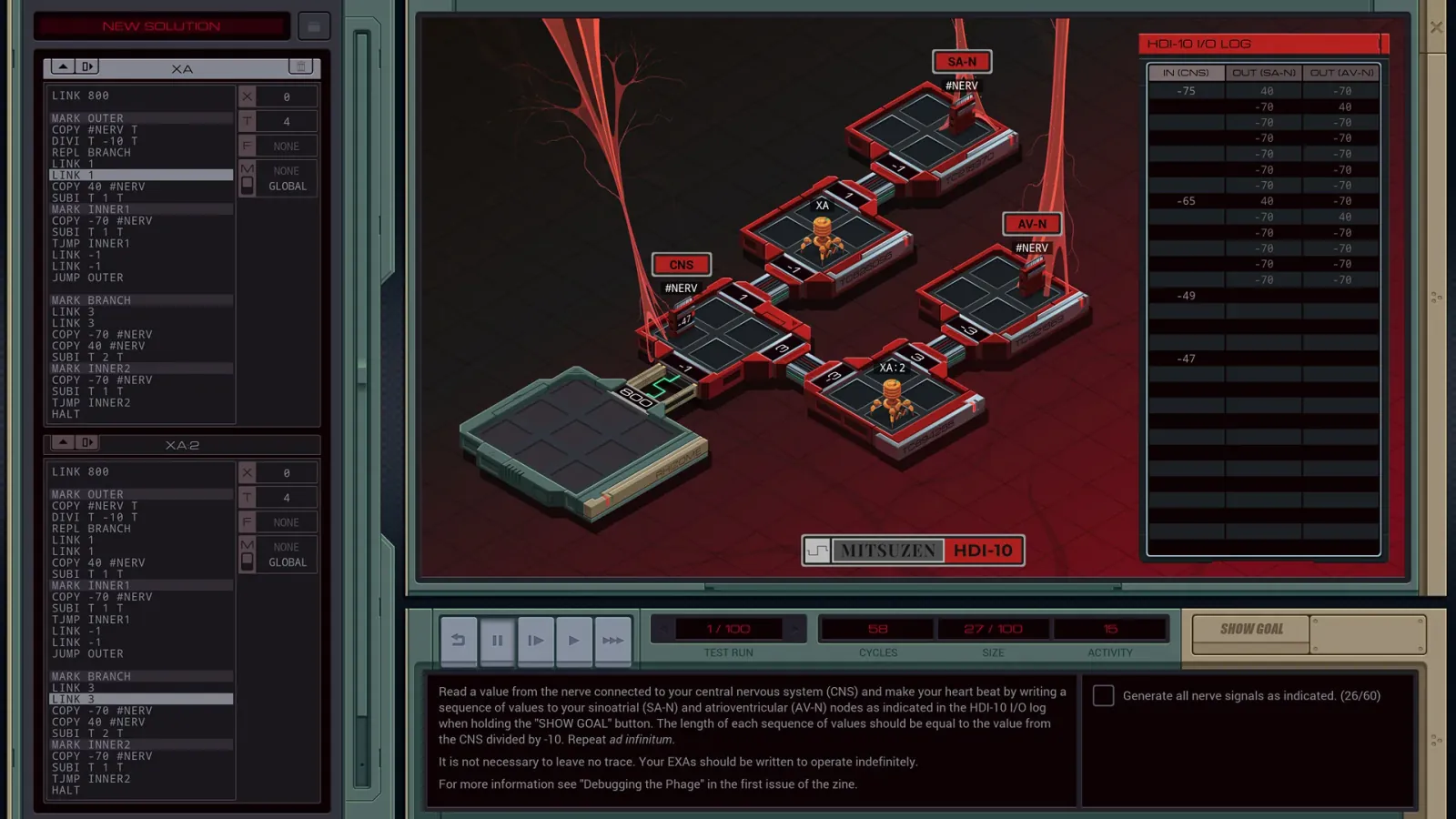
Players assemble short command chains, loops, and procedure-like subroutines to teach a robot how to move crates into the right positions with the fewest clean steps possible.
Why it may be useful
Sequencing, subroutines, and debugging are not taught alongside the puzzles, they are the only tools you get, so failing means watching your own instructions play out wrong. The ideas transfer well toward a first programming language, though there is no syntax or text to bridge the gap.
Used in teaching
1 documented case ↓Westside Excellence in Youth, Westside Community Schools (Nebraska)
Keep in mind
It captures the logic of small reusable procedures well, but it does not teach the social, syntactic, or data-heavy parts of real programming work.
Written 2026-09-15 · editorial assessment, not a measured effect · how we rate →
What the game is
Cargo-Bot is a programming puzzle on a tablet. Two Lives Left released it on the App Store in April 2012 and still keeps it there for free, with no advertising and nothing to buy. The screen shows a crane hanging over a row of colored crates, and a target arrangement those crates have to end up in.
You do not steer the crane. You write a short program for it out of icon commands, then press play and watch the crane run your instructions exactly as written. The program space is deliberately small: a few slots per routine, with extra routines you can call from inside one another, which is how a loop or a repeated pattern gets built. The app was itself written on an iPad using Codea, the developer's own coding tool, which is part of why it looks handmade. Levels are grouped in tiers that get considerably harder.
What you actually do
Look at the crates, look at the target, and work out the sequence of moves. Then build it from icons: left, left, down, left, up. Press play and watch the crane do exactly what you said, including the part you got wrong. The interesting constraint is space. There are never enough slots for the obvious answer, so you have to find the repeating pattern and put it in a separate routine that calls itself. Commands can also be tagged with a color, so a step runs only when the claw is holding a red crate. Levels are scored on how few instructions you used, so a solution that works is only halfway; the puzzle is making it short.
What it exercises
Breaks a task into a sequence of single steps
Spots a repeating pattern and factors it into a reusable routine
Traces a program line by line to find where it went wrong
Works inside a hard limit on the number of instructions
Attaches a condition to a step so it runs only sometimes
Why we rate it Moderate Worksheet score 65 / 100
FitHow much real knowledge or skill does the play itself make you use?70weight 45%
Fit lands at 70. Almost nothing separates the puzzle from the concept: sequencing, subroutines, recursion, and conditionals are not taught alongside the game, they are the only tools you get, and failing means watching your own instructions play out wrongly, which is exactly what debugging is. It falls short of the top only because the icon set is so small that the ideas stay somewhat abstract.
TransferWill what you practise here work outside the game?60weight 30%
Transfer reaches 60. The specific ideas here, decomposition, reuse, and tracing execution, are the ones that make a first programming language easier, and they get practiced in pure form: you recognize a loop on sight after this. It is not higher because there is no syntax, no data, and no text, so the step to real code stays large.
PracticeDoes the game make you use that skill again and again, as it gets harder?60weight 25%
Practice sits at 60. Every level is the same cycle of plan, program, run, find the fault, shorten, and there are enough of them to repeat it many dozens of times. Because levels are also scored on instruction count, you can return to a solved puzzle and do it better, though the practice ends once the difficulty does.
Where it has been used in teaching
Documented cases of this game being used with learners. Each one links to its source.
School programWestside Excellence in Youth, Westside Community Schools (Nebraska) · Primary school · 2021
Westside Excellence in Youth, an enrichment program of Nebraska's Westside Community Schools, ran a STEAM activity where K-6 students watched an instructional video, learned about programming loops, then coded with the Cargo-Bot app for about 15 minutes and documented their progress.
Practice-backedNo published study, but people who answer for the outcome use it: schools, clinics, museums, research labs.
The level is Practice-backed. The App Store listing, checked in August 2026, confirms the developer, the April 2012 release, the free price with no purchases, and a 2022 update, but says nothing about what playing does to a learner. What lifts the level is a documented classroom use: an enrichment program at Nebraska's Westside Community Schools ran a STEAM activity where K-6 students watched an instructional video on programming loops, then coded with Cargo-Bot for about fifteen minutes and recorded their progress. No study measures learning gains from this app, and a wider research literature on puzzle-based introductions to programming exists but does not test it directly. The case still rests mainly on what a level requires: build a program, run it, find the fault.
Editorial assessment - not a measured scientific effect.
Fit
70/100
Transfer
60/100
Practice
60/100
Why it makes the cut
It remains a satisfying pure puzzle game even if you strip away every claim about coding transfer.
Practice-backed
Practice-backed: a school enrichment program had K-6 students code with the app as part of a documented STEAM activity, though no study measures what playing teaches beyond that one program's report.
App Store ↗FreeIn-app purchasesMobile · Checked 2026-08-20
Prices are US store listings in USD, last refreshed 2026-09-25; regional prices and sales differ.
The App Store version history still exposes a 1.0 release in April 2012 and a later 2022 update, which is enough to ground the year conservatively.
The store's age floor is lower than the proposed Meaningful Games minimum because sequence planning, abstraction, and debugging frustration matter more than basic touch controls.
Age guidance
Ages 8+
Topics
STEM, Logic & strategy
Play styles
Single-player, Puzzle
Tags
Programming logic · Robot puzzles · Debugging
Sequencing, subroutines, and conditionals are the only tools available, so debugging means watching your own instructions play out wrong, though the small icon set keeps the ideas somewhat abstract.