Children drag bodies, legs, wheels, arms, propellers and heads together into a robot, choose colours and record its voice, then send it into a test area to see whether it walks, tips over, hops or takes off; robots are saved to a collection and can be rebuilt after a failed test.
Why it may be useful
Building a robot and testing it turns play into a small experiment: a lopsided robot falls over, so a child starts noticing balance and symmetry, and learns to change one part at a time to see what it did.
Keep in mind
Tinybop's last update was in 2022 and the app is iOS-only, so check it still runs on your device; there are no goals beyond the collection.
Written 2026-09-15 · editorial assessment, not a measured effect · how we rate →
What the game is
The Robot Factory is a construction toy for iPhone and iPad, made by the Brooklyn studio Tinybop and released in 2015, when Apple named it iPad App of the Year. It is a one-off purchase of a few dollars with no in-app purchases and no third-party advertising. The illustrations are by Owen Davey.
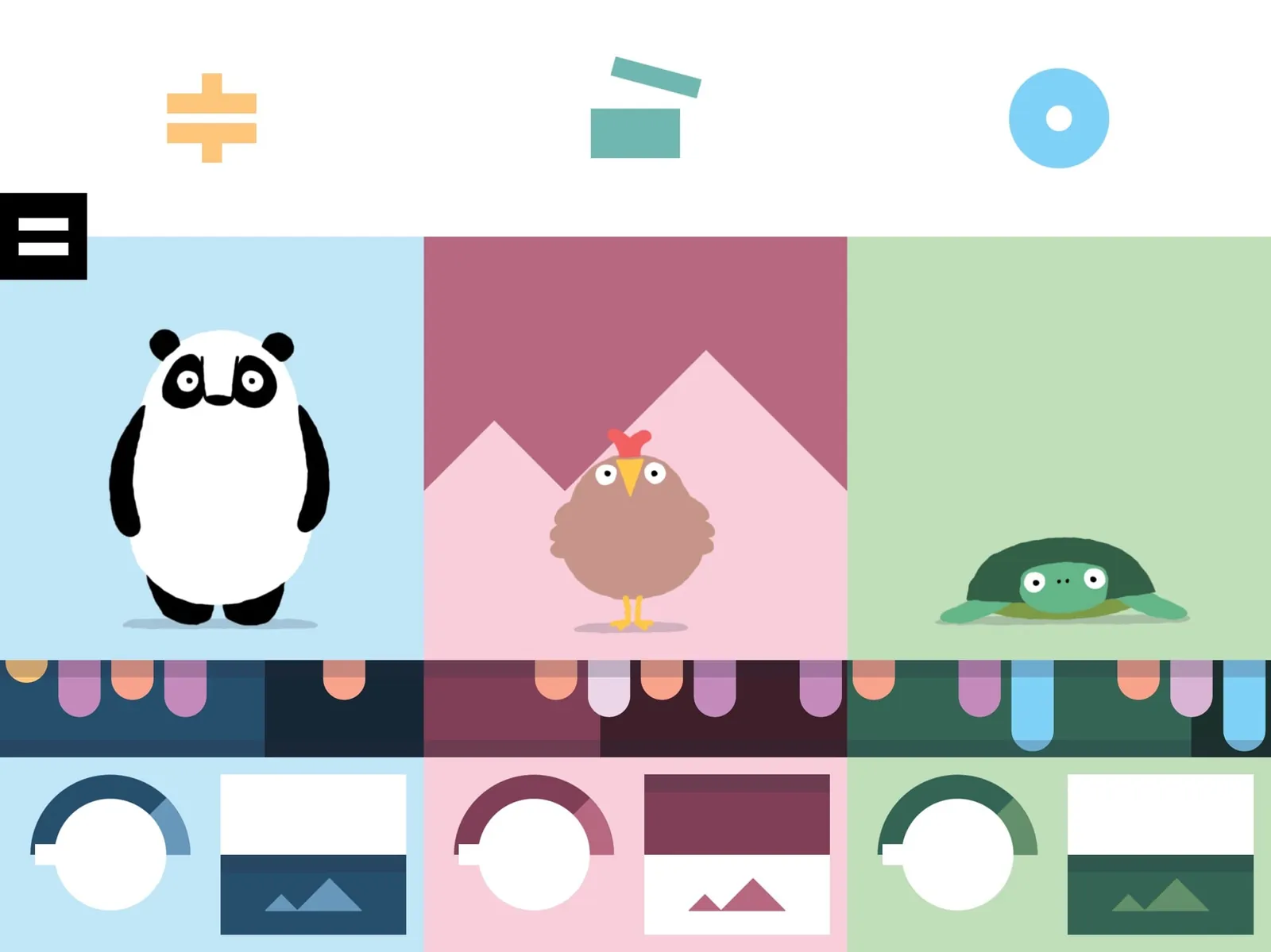
The screen is a workshop. Along the edges sit around a hundred parts, drawn as beautiful pieces of machinery with names like exoskeletons, hydrostatic tentacles and machinos locomotors. A child drags them into the middle and they connect: a body, then legs or wheels or propellers, then arms, then a head. Colors come from nine schemes, and a child can record their own voice as the robot's sound.
There is no reading, no score and no goal. Finished robots go into a showroom that a child can revisit, several children can each keep their own collection on one device, and Tinybop publish a free manual for adults explaining what the parts do.
What you actually do
You build something, then you send it to the test area, where physics takes over. A robot with two matched legs walks. One with a heavy head and a single leg topples immediately. Wheels roll, propellers lift, and a badly balanced machine flails and falls over in a way that is funny the first time and informative the fourth.
Then the child goes back and changes something. That is the entire loop, and its value depends on whether the change is deliberate. Younger children swap parts at random and enjoy the results; slightly older ones start noticing that a wider base helps, that symmetry matters, and that changing one part at a time makes it clear what caused the difference.
What it exercises
Builds a thing and then tests whether it does what was expected.
Notices that a wide or symmetrical base stops a machine falling over.
Changes one part at a time to see what that part was doing.
Connects the shape of a part to what it does when it moves.
Why we rate it Minimal Worksheet score 32 / 100
FitHow much real knowledge or skill does the play itself make you use?30weight 45%
Thirty. The test step does give an honest, immediate verdict on a build, which is more than a plain dress-up toy offers, but nothing in the app asks a child to make a change on purpose rather than at random, so the reasoning stays optional rather than required.
TransferWill what you practise here work outside the game?28weight 30%
Twenty-eight. A child who notices that a top-heavy robot falls over has met a real idea about balance, and that can show up in blocks and towers straight away. But the app never names the idea in words, so whether it travels depends almost entirely on whether an adult happens to say it out loud.
PracticeDoes the game make you use that skill again and again, as it gets harder?40weight 25%
Forty, the weakest of the three. Build and test repeats as often as a child wants, but there is no progression and no new problem once the parts are familiar, so most children play intensively for a while and then stop rather than returning to something that keeps demanding more.
What the evidence says
Editorial onlyNobody outside our desk has checked this. It is our reading of how the game plays.
Editorial only: based on the mechanics, using Tinybop's product page, their free parent manual, and the App Store listing. Those confirm the developer, the 2015 release, the iOS-only availability, the single purchase with no in-app purchases or third-party advertising, the roughly hundred parts, the multi-user profiles, the 2022 last update, and Tinybop's own framing of the app as a digital toy rather than a lesson. No study of this app exists. The claim about design iteration describes what the build-and-test step makes possible, particularly when an adult nearby names what happened.
Editorial assessment - not a measured scientific effect.
Fit
30/100
Transfer
28/100
Practice
40/100
Why it makes the cut
The fun is in making absurd robots and watching them try to move; Tinybop's Digital Toys framing is honest about it being a toy, not a lesson.
Editorial only
This is our reading of the mechanics, based on Tinybop's product page, their parent manual and the App Store listing; none of them measures what a child actually learns from playing.
Prices are US store listings in USD, last refreshed 2026-09-25; regional prices and sales differ.
Tinybop's page says the app is tested with children aged 4 and up, was Apple's iPad App of the Year in 2015, and comes with a free parent manual in eight languages.
No Android version was found; a separate Robot Factory 3D app from 2024 is a different product.
Age guidance
Ages 4-8
Topics
Creativity, STEM
Play styles
Single-player, Sandbox, Creative
Tags
No reading · Ad-free · One-time purchase · Building · Cause and effect
The build-and-test loop quietly teaches balance and iteration, but the app never names the idea and offers nothing new once the parts are familiar.