What the game is
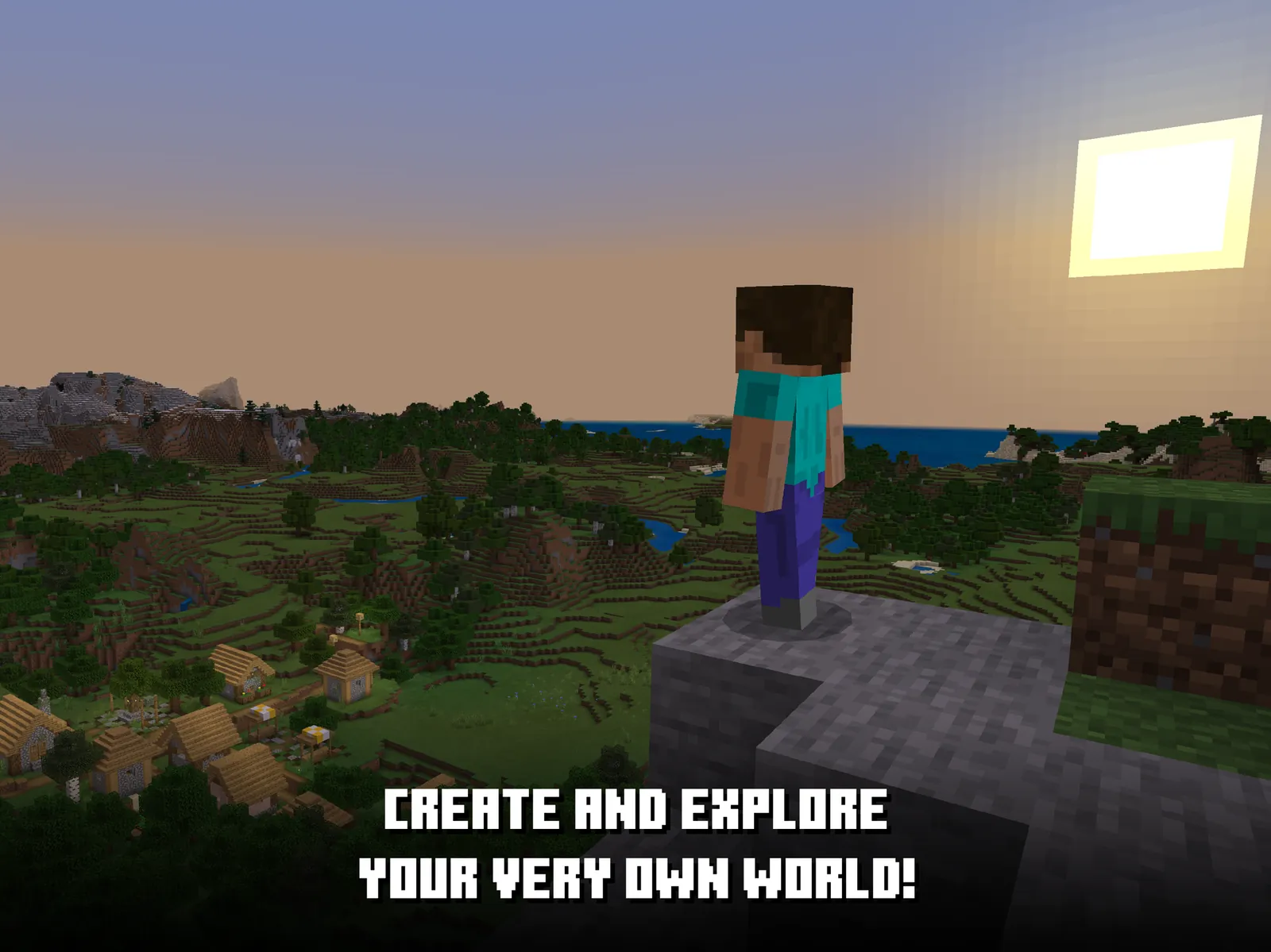
Minecraft Education is Microsoft's school version of Minecraft, launched in 2016 and run separately from the consumer game. The blocks, mobs and crafting are the ones players already know, but the world is wrapped in classroom tooling: a teacher can freeze the world, mute chat, teleport everyone to a location, drop in a non-player character who explains the task, and fence off an area with border blocks.
On top of the sandbox sit the extras that give the edition its name. Code Builder connects the world to block-based MakeCode or to Python, so a student writes a short program and an agent robot executes it in front of them. A chemistry resource pack adds an element constructor and a lab table for combining compounds. A camera and portfolio let players photograph their work and write about it in a book.
The library of ready-made lessons is the other half of the product: hundreds of prepared worlds and teaching plans covering coding, science, history, maths and digital citizenship, each with objectives and teacher notes. It runs on Windows, macOS, iPad and Chromebook. Access is the sticking point, and it is discussed below.
What you actually do
A session usually starts inside a lesson world someone else built. A player reads a brief from a signpost or a talking non-player character, then does the ordinary Minecraft things in service of it: mine, place, build, measure, test. The tasks are concrete, model a Roman villa to scale, build a working circuit, keep a chemistry lab tidy, and most are meant to be done in a group, with several players in the same world at once.
The distinctive part is Code Builder. Instead of placing a thousand blocks by hand, a player drags a loop into MakeCode and the agent builds a wall for them. That reframes the sandbox: the question becomes how to describe what you want, not how long you are willing to click. Getting better looks like reaching for a program when a job is repetitive, and dividing work sensibly when several players share one build.
What it exercises
- Writes a short block or Python program and watches it act on a visible world
- Turns a repetitive building job into a loop instead of doing it by hand
- Builds to a brief and a scale rather than freely, then explains the result
- Divides a shared build between several people and keeps the pieces compatible
- Documents work with screenshots and written notes in a portfolio
Why we rate it High Worksheet score 71 / 100
FitHow much real knowledge or skill does the play itself make you use?70weight 45%
Fit is scored 70 because the tasks are done with the game's own tools rather than in a quiz bolted on top: coding an agent to build a wall is real programming with an immediate, visible result. It stays below the top sandbox games because the lesson framing is imposed from outside the play, and a weak lesson produces a weak session no matter how good the tools are.
TransferWill what you practise here work outside the game?68weight 30%
Transfer is scored 68, the highest axis, because the coding is genuine: MakeCode and Python are real tools students go on to use elsewhere, and the collaboration and explaining are practiced deliberately rather than picked up by accident. The score is held back because the outcome depends almost entirely on the adult running the session, which the platform itself cannot guarantee.
PracticeDoes the game make you use that skill again and again, as it gets harder?75weight 25%
Practice is scored 75 because it is still Minecraft underneath: players return for hundreds of hours without being asked, and building, planning and coding recur in every lesson. The lesson library is large enough that a class can keep finding new material for years, though it stops short of the top because progress depends on someone continuing to plan and run new sessions.
Where it has been used in teaching
Documented cases of this game being used with learners. Each one links to its source.
What the evidence says
Research-backedPublished research has studied this game, or the exact mechanic it is built on.
The evidence level is Research-backed. A two-level cluster-randomised trial run by researchers at Dublin City University and the Technological University of the Shannon Midwest, with Microsoft Ireland, tested a Minecraft Education intervention for spatial-thinking gains in primary school pupils and reported it as a mixed-methods trial in Learning and Instruction. Beyond that single study, the evidence is deployment: Minecraft Education is an official Microsoft product built and sold for schools worldwide, with a large lesson library and teacher training behind it, which supports that teachers find it workable but does not by itself show that students learn more.